
Master layout
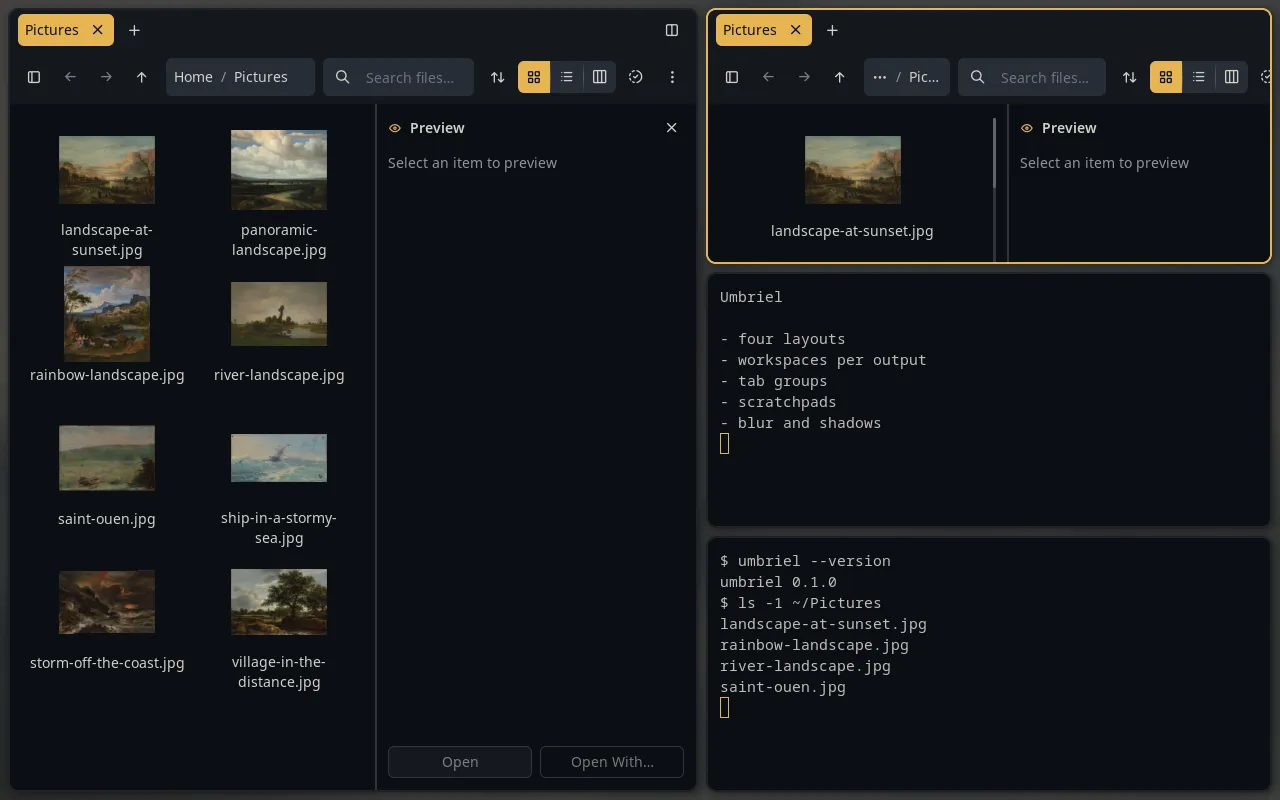
Master places one or more primary windows in a master area and the remaining windows in a stack. The master area may sit left, right, or between two stacks.
Settings
Section titled “Settings”[layout.master]position = "left"default_width_fraction = 0.55new_on_top = truenew_becomes_master = false| Key | Default | Description |
|---|---|---|
position | "left" | Use "left", "right", or "center". |
default_width_fraction | 0.55 | Initial master-area fraction. |
new_on_top | true | Put new stack windows at the top. |
new_becomes_master | false | Give the master slot to each new window. |
Behavior
Section titled “Behavior”The first window becomes master. Later windows join the stack unless new_becomes_master is enabled. Use layout-master-count-increase and layout-master-count-decrease to move windows between the two areas.
In center mode, stack windows are balanced between the left and right sides. Primary extent actions resize the master area. Secondary extent actions resize rows within an area.
Settings shared by every layout, such as gap and struts, are in Layout.